What Is GPT Image 1.5?
GPT Image 1.5 is OpenAI’s latest image generation and editing model, released on December 16, 2025, powering a revamped ChatGPT Images experience with significantly improved speed, instruction adherence and contextual understanding. It generates high-fidelity visuals that follow your prompts more closely and edits existing images with precise control, making it suitable for both creative and professional workflows.
Key Features & Improvements
- Faster Generation: GPT Image 1.5 can generate and edit images up to four times faster than its predecessor, enabling quicker iteration and ideation.
- Improved Prompt Adherence: Better interpretation of natural language instructions means more accurate image creation and editing based on your descriptions.
- Precise Editing Control: Targeted edits without unwanted global changes — the model preserves key visual elements like identity, lighting and composition.
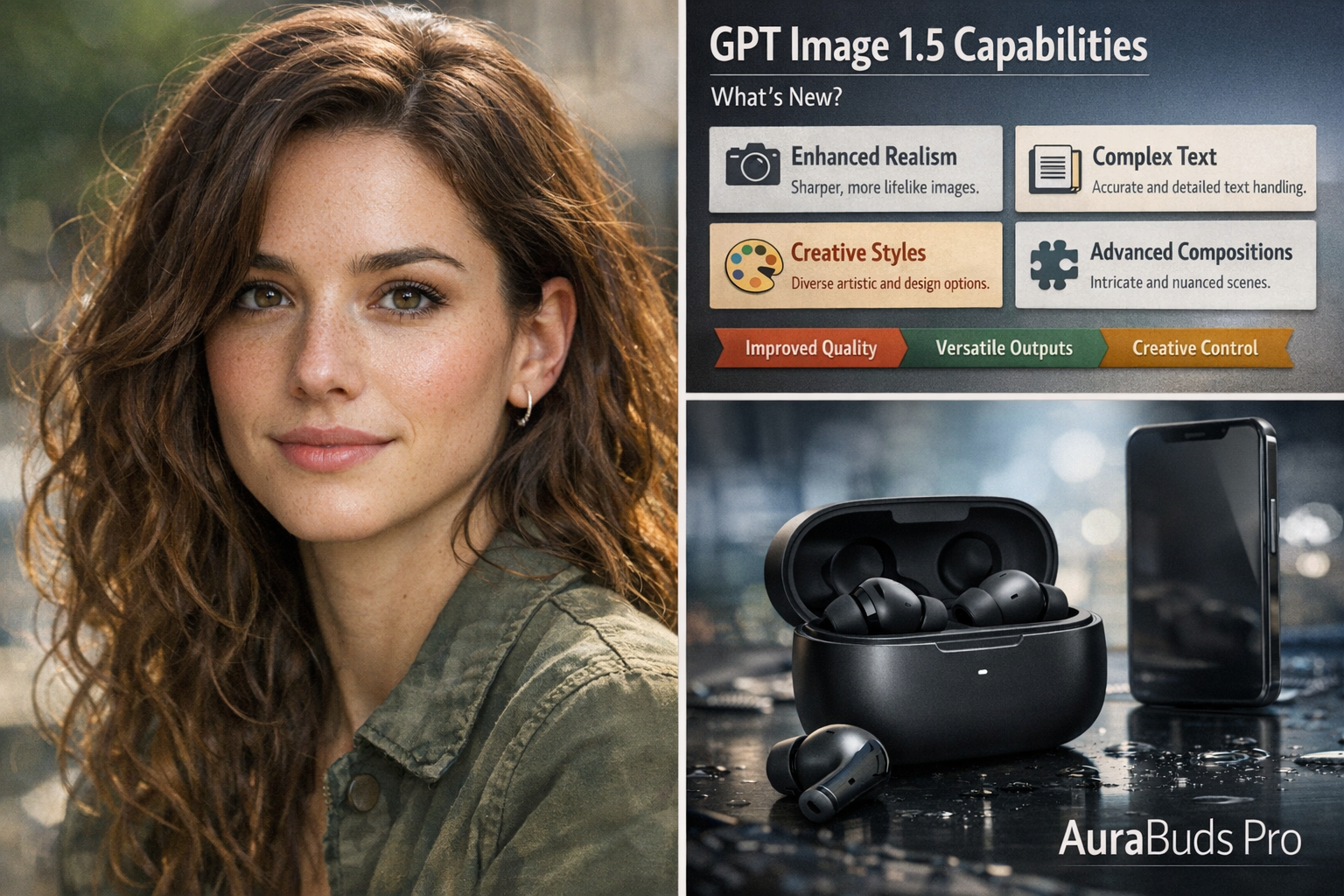
- Text Rendering: Handles small, dense, and complex text inside images — ideal for infographics, UI mockups and posters.
- Photorealism & Texture: Produces natural-looking skin, materials and lighting effects, making it useful for commercial and product visuals.
- Lower Cost & API Access: Offers cost efficiencies (~20% less) and robust API support for developers using it in applications.
Want to test GPT Image 1.5 yourself?
Create AI images with 100+ models side-by-side with your own prompts on GenAIntel.
Why GPT Image 1.5 Matters
GPT Image 1.5 marks a shift toward production-ready image generation and editing. Its speed, instruction precision and contextual world knowledge make it suitable for marketing, branding, editorial visuals, UI/UX mockups, high-fidelity portraits, text-rich graphics and multi-reference creative workflows — from concept to final visuals.
How to Write Better Prompts for GPT Image 1.5
- Be specific and descriptive: Describe exact lighting, subjects, materials and colors you want in the scene.
- Use industry photography language: “Shot with a 50mm lens, soft daylight, shallow depth of field” for realism.
- Lock down elements that shouldn’t change: Specify preserved items or faces during edits.
- Quote exact text you want rendered inside images for accurate typography.
- Iterate with small changes instead of rewriting the entire prompt.
Prompt Examples: GPT Image 1.5 in Action
Photorealistic portrait of a woman in her early 30s sitting near a window, natural daylight illuminating her face from the left, realistic skin texture with subtle freckles, minimal makeup, soft shadows, shallow depth of field, shot with a 50mm lens, cinematic color grading, ultra-high detail.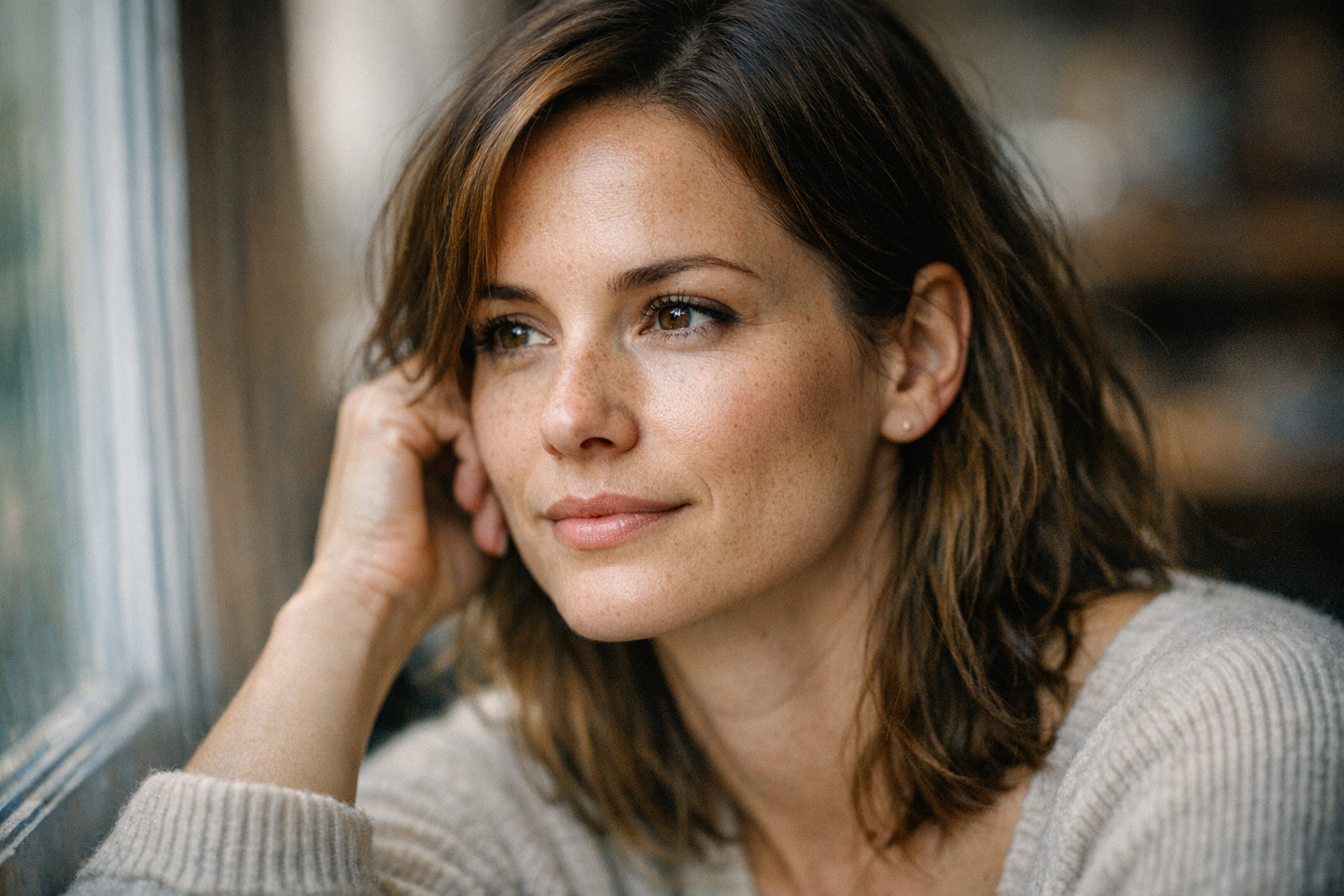
Studio lighting, ultra-realistic 4K photo of a modern smartwatch on a reflective black surface, soft warm rim lighting, sharp reflections and crisp details, shot with depth-of-field blur.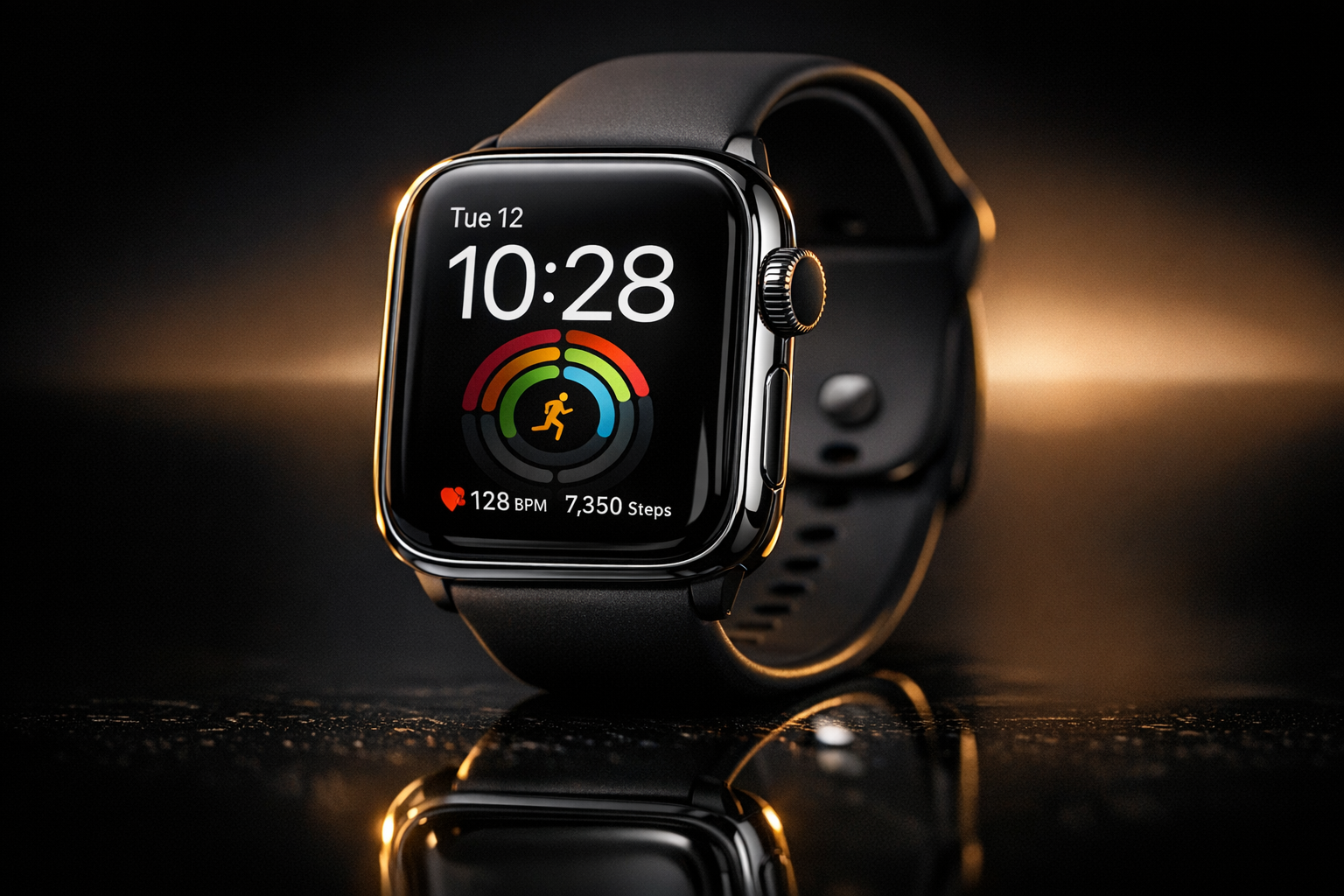
A clean infographic showing 'AI Content Workflow' with four horizontal panels, each with an icon and short description, bold sans-serif text, minimal flat design.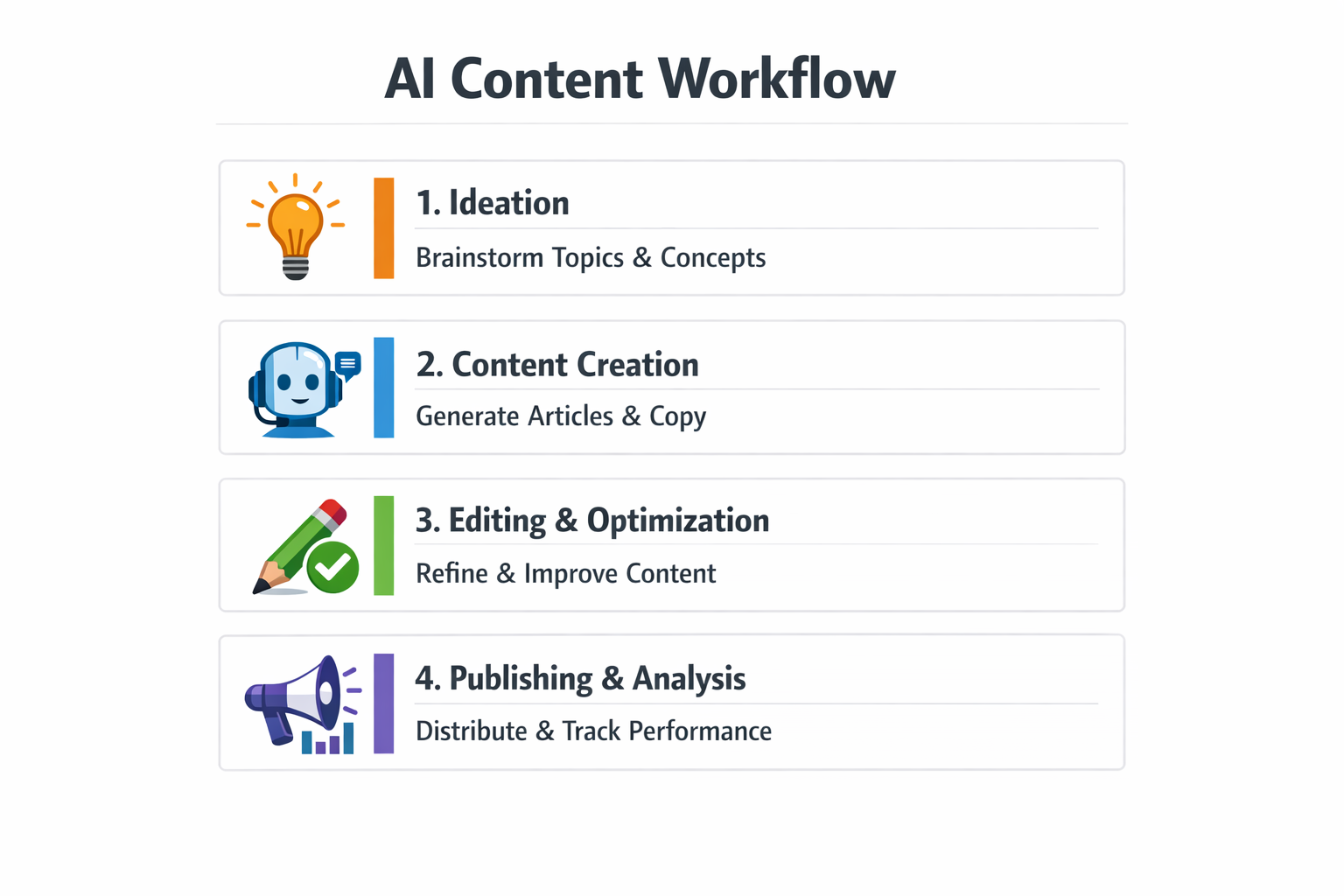
Where to Try GPT Image 1.5
Want to test GPT Image 1.5 yourself?
Create AI images with 100+ models side-by-side with your own prompts on GenAIntel.
GPT Image 1.5 is also available inside the ChatGPT interface under the "Images" tab and via the OpenAI API. Developers and creators can integrate it into tools, workflows and custom applications for both generation and guided image edits.