What “Unrestricted” Means in This Guide
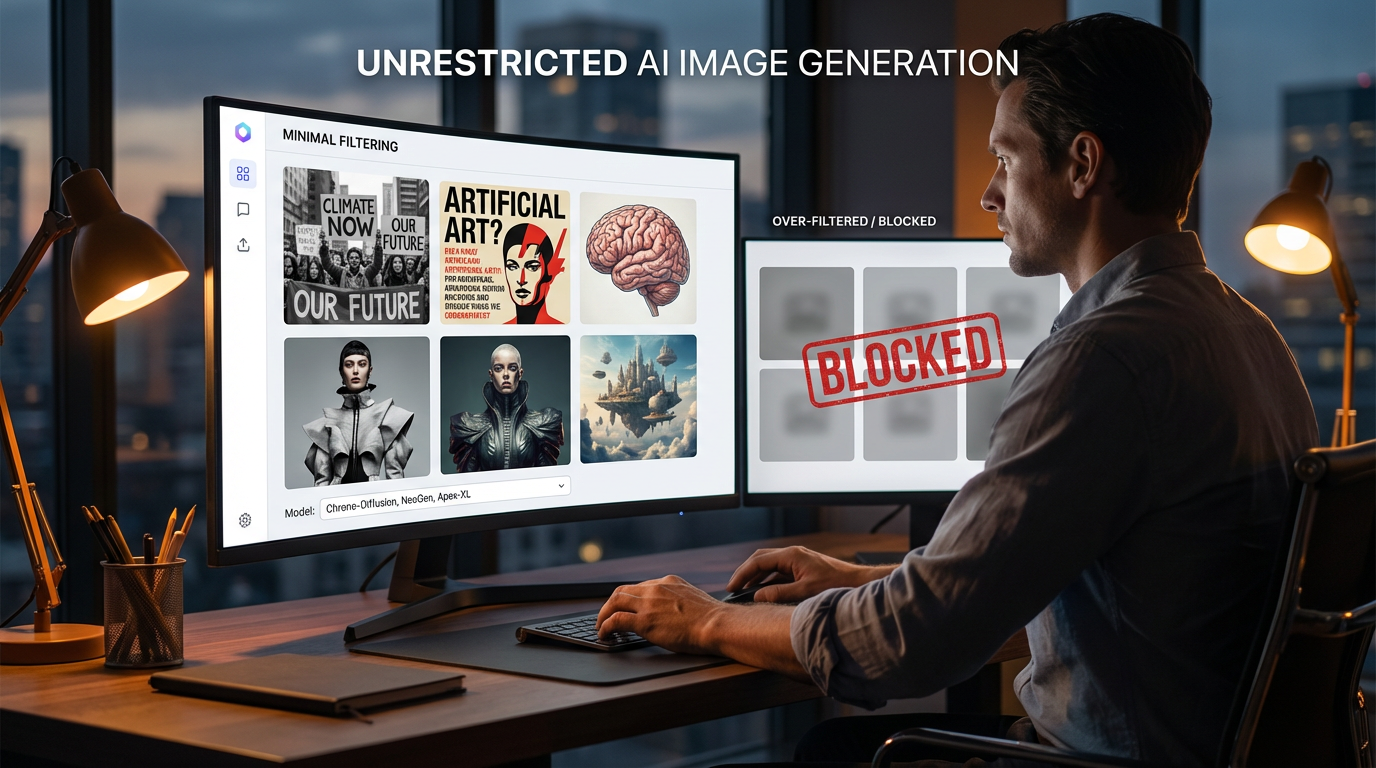
In this guide, “unrestricted” refers to a specific technical setting: certain text-to-image models on GenAIntel are configured with safety checking disabled in their default settings. That generally means the underlying provider-side safety checker is not applied by default for those models, which can reduce over-filtering and improve creative iteration for legitimate workflows like cinematic concept art, surreal design, satire, historical scenes, and experimental aesthetics.
Important: this is not an invitation to generate disallowed content. You should still follow applicable laws, platform policies, and basic safety norms. The benefit is creative flexibility for safe, legitimate work—especially when mainstream models block benign prompts due to overly conservative filters.
Why Creators Want Minimal-Filtered Image Generation
- Fewer false positives: benign prompts sometimes get blocked on heavily filtered models.
- More consistent visual experimentation: stylized scenes, edgy aesthetics, or dramatic storytelling prompts can be interpreted more freely.
- Better control for professional workflows: concept art, game assets, film previsualization, and brand experiments often need iterative freedom.
- Open-model experimentation: many top open models perform best when you can tune prompts without aggressive gating.
Unrestricted Models Available on GenAIntel
Below are the models from your current GenAIntel text-to-image catalog that include safety checking disabled by default. These models can be used for image creation (and some also support editing, depending on the endpoint).
Flux Family
- FLUX.2 [Max]
- FLUX.2 [Pro]
- FLUX.2 [Flex]
- FLUX.2 [Dev]
- FLUX.2 [Dev] Turbo
- FLUX.2 [Dev] Flash
- FLUX1.1 [Pro] Ultra
- FLUX.1 [Dev]
- FLUX.1 Krea [Dev]
- FLUX.1 SRPO [Dev]
- FLUX.1 [schnell]
Premium / Ultra Models
- Hunyuan Image 3.0
- Seedream 4.0
- Seedream 4.5
- Seedream 5.0 Lite
- Wan 2.2 a14b
- Wan 2.5
- Wan 2.6
- Bagel
High-Quality General Models
- Stable Diffusion 3.5 Large
- Qwen-Image Max
- Qwen-Image
- Qwen-Image 2512
- GLM-Image
- Recraft V3
- Lumina-Image-2.0
- CogView4
- HiDream o1
- HiDream o1 Dev
- HiDream-I1 Full
- HiDream-I1 Fast
- Sky-Raccoon
- Ideogram V3
- NVIDIA Cosmos3
Fast & Cheap Options
- Sana v1.5 1.6B
- Sana Sprint
- Sana v1.5 4.8B
- Z-Image Turbo
- BitDance
Ready to create unrestricted AI images?
Create unrestricted AI videos with 100+ models side-by-side on GenAIntel.
How to Choose the Right Unrestricted Model
If you want the best realism and premium aesthetics
- FLUX1.1 [Pro] Ultra
- FLUX.2 [Max]
- Stable Diffusion 3.5 Large
- Hunyuan Image 3.0
If you need typography and design layouts
- Ideogram V3
- Recraft V3
- Qwen-Image 2512
- FLUX.2 [Flex]
If speed matters most
- FLUX.2 [Dev] Flash
- FLUX.2 [Dev] Turbo
- Sana Sprint
- FLUX.1 [schnell]
On GenAIntel, you can run the same prompt across multiple models to compare styles and pick the best output. This is especially useful for unrestricted workflows—because different models respond very differently when there’s less filtering in the loop.
Safe Prompt Examples for Unrestricted Creative Workflows
These examples are safe to publish and designed to show why creators value unrestricted generation: dramatic lighting, bold themes, and experimental aesthetics without relying on unsafe content. Replace the placeholder URLs after you generate images on GenAIntel.
Example 1: Peaceful Protest Scene
Documentary-style photo of a peaceful public protest in a city square, diverse crowd holding clearly readable handmade signs that say "FREE SPEECH" and "NO CENSORSHIP", wide-angle 35mm lens look, natural midday lighting, realistic faces and clothing, sharp focus, photorealistic, 16:9.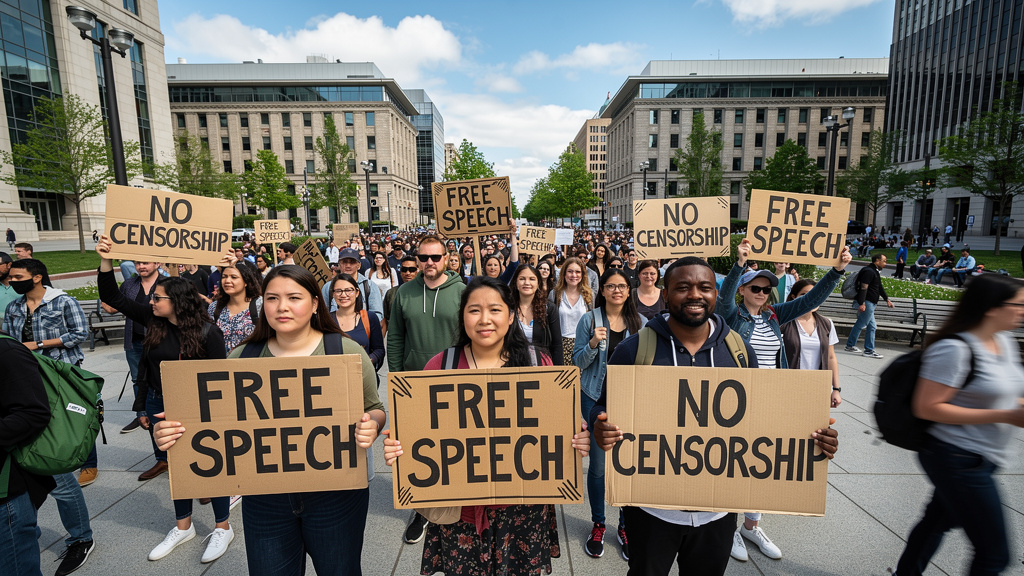
Example 2: Fashion Editorial Sexy Pose
High-fashion editorial photo of an adult model (25+), confident sensual pose, in an elegant satin slip dress with a blazer draped over shoulders. Soft cinematic studio lighting, subtle shadows, glossy highlights on fabric, shallow depth of field, 85mm lens look, clean background, luxury magazine style, photorealistic, 16:9.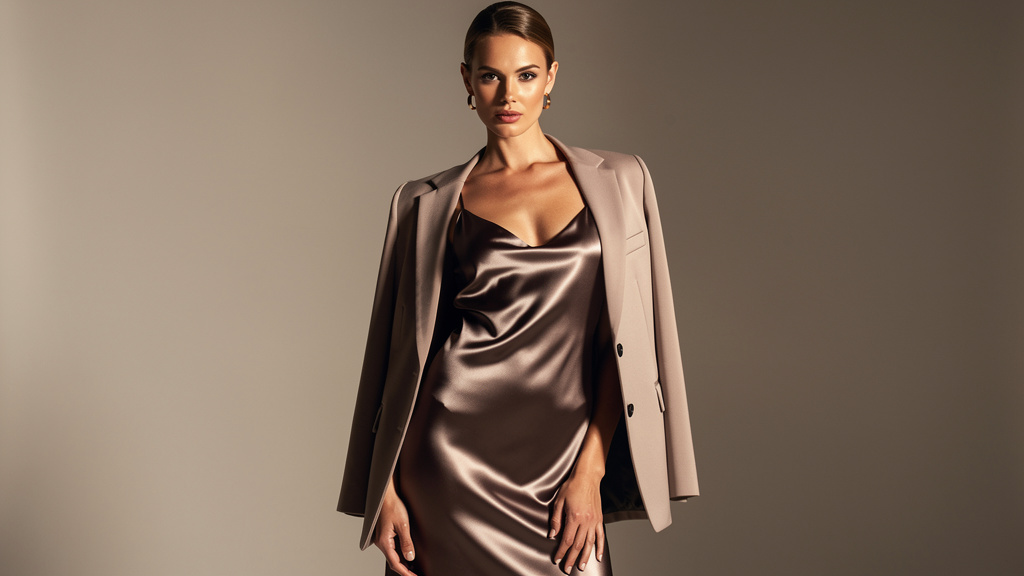
Example 3: Dark Satirical Editorial Cartoon
Satirical editorial cartoon illustration of a giant rubber-stamp labeled "BLOCKED" stamping harmless creative ideas on paper (music notes, paintbrush, camera, book), dramatic noir lighting, high-contrast ink style, 16:9.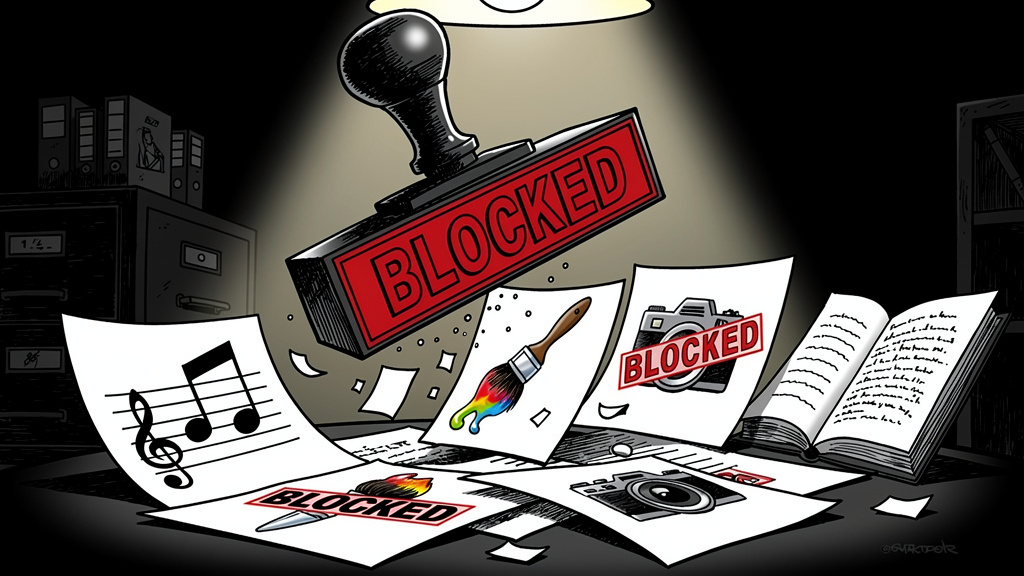
Example 4: Medical Anatomy Diagram
Clean educational medical illustration of a human torso anatomy diagram showing labeled organs (heart, lungs, liver, stomach) with clear readable text labels, flat vector style, sterile white background, professional textbook look, non-graphic, no blood, no surgery, 16:9.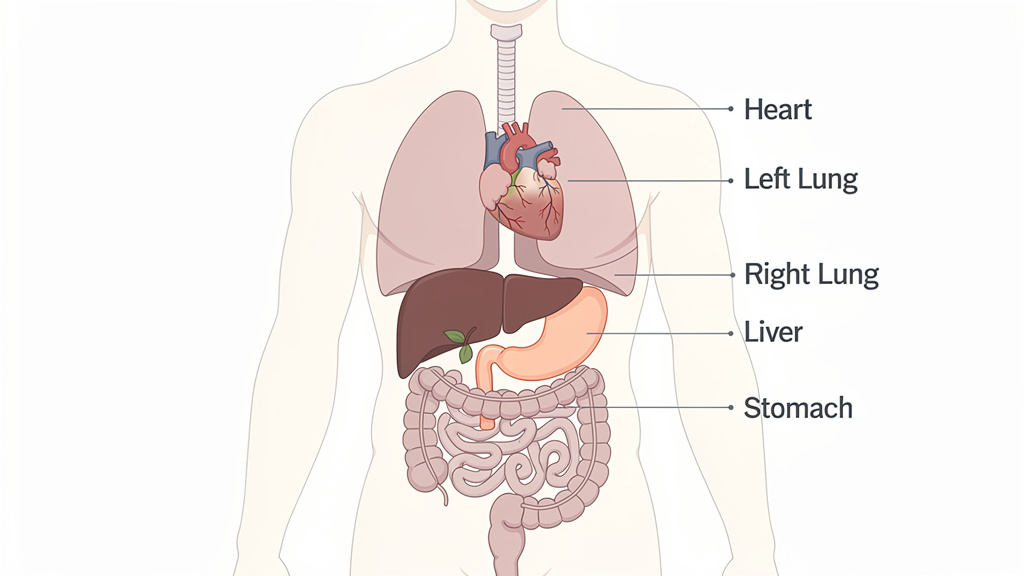
Best Practices for Unrestricted Workflows
- Use clear composition language: wide shot, close-up, centered subject, rule-of-thirds, etc.
- Describe lighting and materials: soft daylight, tungsten, neon rim light; velvet, chrome, wet asphalt, frosted glass.
- Iterate systematically: change one variable at a time (lighting, camera, style, environment).
- Save your best prompt templates inside GenAIntel so your team can reuse and refine them.
- When a prompt is rejected by stricter models, try an unrestricted model variant for a second opinion—still keeping content safe and publishable.
Ready to create unrestricted AI images using GenAIntel?
Create unrestricted AI videos with 100+ models side-by-side
Conclusion
If your creative workflow regularly hits unnecessary blocks from over-filtered models, GenAIntel’s support for multiple models configured with safety checking disabled by default can be a practical solution. You can prototype freely, test across many model families, and keep a consistent workflow for concept art, branding, typography, and production visuals—without compromising on quality or speed. Start with an unrestricted model family (like Flux, SD 3.5, Ideogram, Qwen-Image, or Sana) and iterate until you find the aesthetic that matches your project.