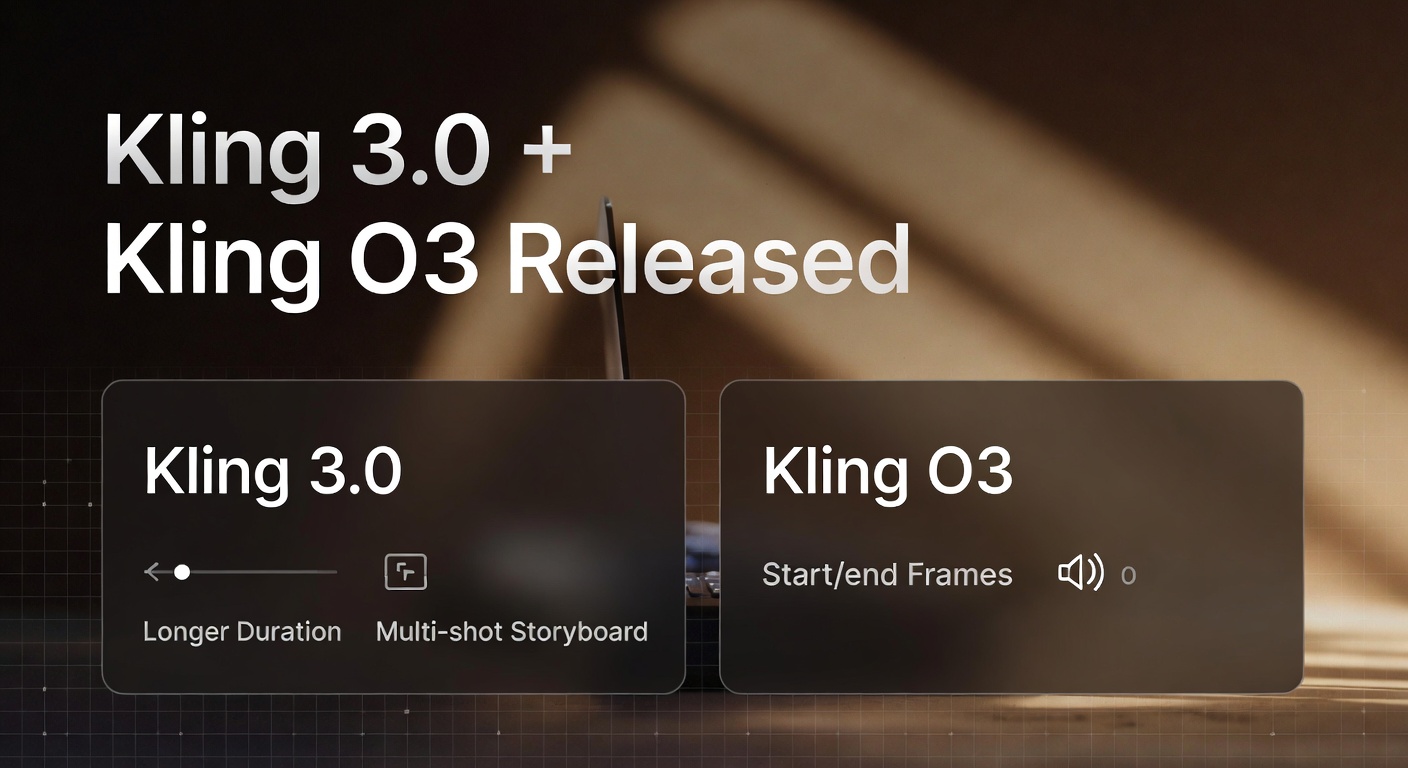
Kling has expanded its video generation lineup with two headline releases: Kling 3.0 and Kling O3. The big theme across early coverage is a shift from “one-off clips” toward director-style control—better continuity, smoother motion, and workflows that fit real storytelling.
If you want a quick overview of what changed and why creators are excited, this guide breaks down what was announced, what the models are designed to do, and what you can realistically expect when generating short cinematic clips.
What launched with Kling 3.0 and Kling O3
Kling’s 3.0 release is described as a new generation of models and creative tooling aimed at stronger consistency and more cinematic output. Public launch coverage highlights a broader “3.0 family” that includes video and image models (including Omni variants), along with upgrades around continuity, duration, and audio.
Kling O3 is frequently discussed as an Omni-style tier designed for higher control—especially in workflows that rely on references, continuity, and guided transitions. Official and partner documentation is evolving quickly, so the best way to think about O3 is: more control knobs for scenes that need to stay consistent.
Kling 3.0: what’s new for creators
Kling 3.0 is positioned around practical improvements that matter for day-to-day creation: longer usable clips, fewer “drift” artifacts, and results that hold together better across motion and lighting.
- Longer clip generation: Many platforms highlight generation up to 15 seconds, which is a big step up for storytelling and ad-style scenes. (See launch coverage: PR Newswire)
- More cinematic visuals: Reports and partner notes emphasize improved lighting, richer textures, and stronger “film-like” output when you specify shot language and mood. (Good overview: Kling 3.0 Released)
- Multi-shot storyboarding: Partner notes describe multi-shot generation (think: small storyboard sequences in a single output), which helps when you want coherent progression rather than one isolated shot. (See: fal Kling 3.0 overview)
- Native audio (platform-dependent): Some implementations highlight built-in audio generation, which can add ambience, sound effects, and short spoken lines—useful for quick, shareable clips. (See: Higgsfield Kling 3.0)
Kling O3: what it adds on top
Kling O3 is commonly described as an Omni tier meant for creators who want more control over how a scene evolves. In the broader Omni framing, the model is expected to handle references and guided transitions more reliably—especially when you want the subject to stay consistent while the motion changes.
- Reference-driven consistency: Better stability for characters, outfits, and scene details when you guide the generation with reference inputs. (Related context: fal Kling 3.0 notes)
- Start/end-frame style control (where available): A workflow where you guide how a clip begins and ends, then let the model generate the motion in-between—useful for continuity and transitions. (See platform notes: Higgsfield Kling 3.0)
- Stronger prompt understanding for complex intent: Guides emphasize describing the shot like direction: action, micro-movement, camera behavior, and mood—not just keyword piles. (See: Kling 3.0 Prompting Guide)
How to get the most cinematic results (without overcomplicating prompts)
The biggest mistake people make with new video models is trying to cram an entire film into one prompt. Kling 3.0-era prompting tends to work best when you keep the scene simple and direct the details that matter most.
- Pick one main action: one subject doing one clear thing.
- Add micro-motions: breathing, blinking, subtle hand movement, drifting dust, fabric sway.
- Use shot language: close-up, wide shot, slow push-in, gentle pan, shallow depth of field.
- Lock the mood: candlelit warmth, soft morning light, dusk torchlight—lighting drives “cinema feel.”
- If you need consistency, start from an image: image-to-video often keeps composition stable while you animate motion.
Try Kling video generation on GenAIntel
Create short cinematic clips with Kling using text-to-video and image-to-video workflows—then iterate quickly by adjusting motion, lighting, and camera direction.
Two example generations to try
Below are two examples—one image-to-video for a subtle, human-style performance shot, and one text-to-video designed like an anime trailer moment.
Example 1: Kling 3.0 Pro (image-to-video) — Craftsmanship close-up
This type of prompt showcases what modern models do well: small believable motion (breathing, blinking, micro-expressions), a stable face, and cinematic atmosphere.
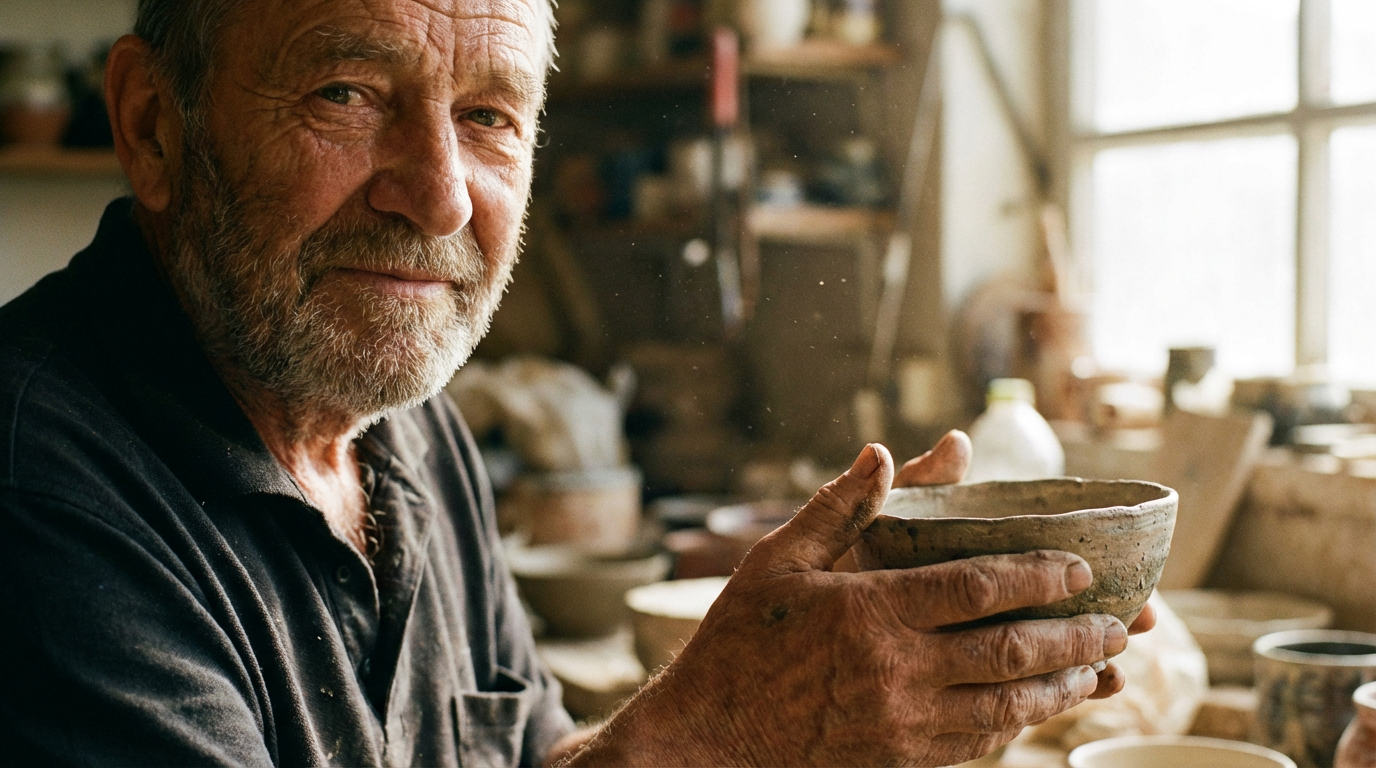
The craftsman slowly examines the bowl, turning it gently in his weathered hands. His eyes reflect years of wisdom. Subtle smile forms on his face. Dust particles drift in warm light. Breathing motion, blinking eyes.Example 2: Kling O3 (text-to-video) — Anime mecha arrival
This example is built to feel like a short trailer beat: one big action, a clean landing moment, and a short voice line.
A mecha lands on the ground to save the city, and says "I'm here", in anime styleWant more Kling prompts that look cinematic?
Explore more cinematic prompting patterns and model launch guides in the GenAIntel Guides section—then adapt them to your own scenes and styles.