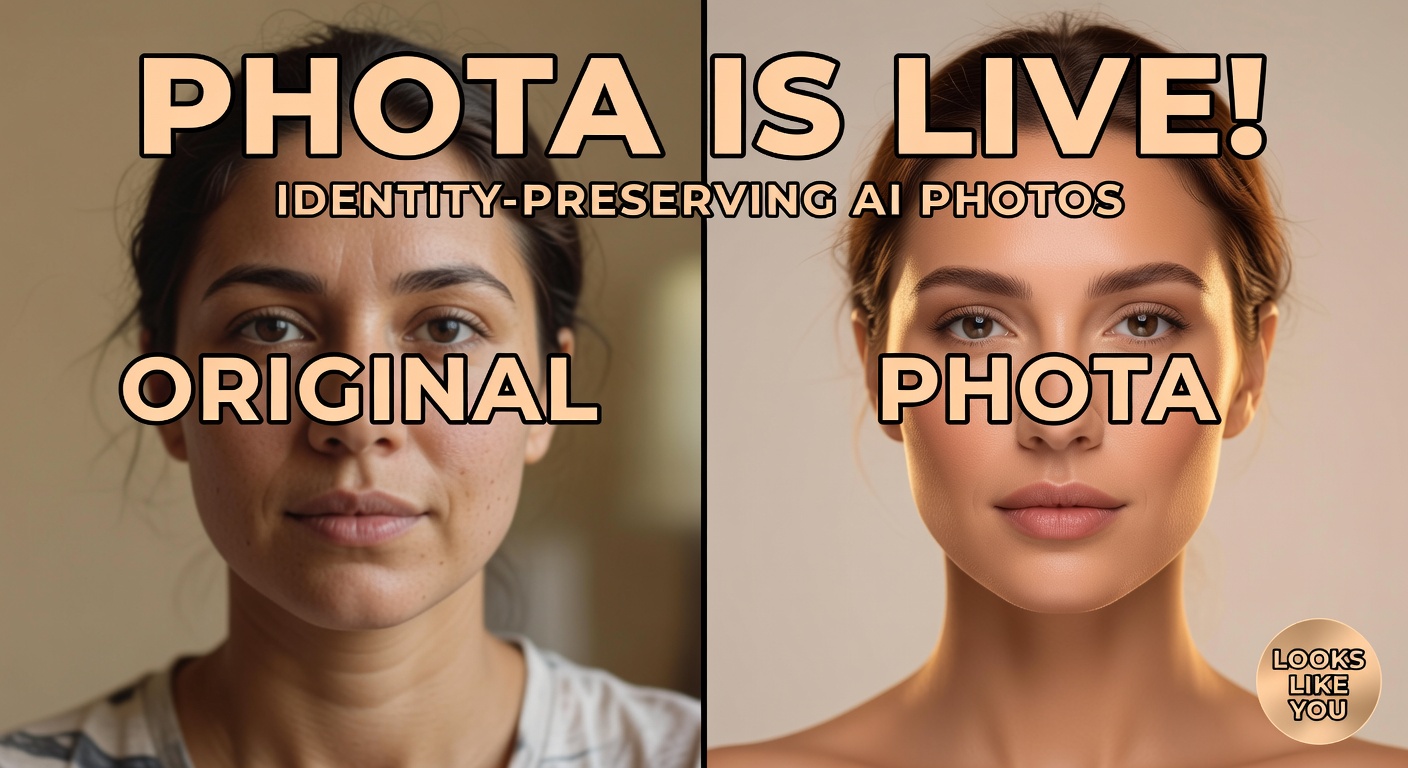
Most AI photo tools can generate something that looks great—but not something that consistently looks like you. Phota is built specifically to solve that problem: personalized photo generation and editing that preserves identity, expressions, and the small details that make a photo feel real.
Phota is available on GenAIntel on day 0, so you can start creating and editing portraits immediately, then compare results with other top models when you need a different aesthetic.
Try Phota on GenAIntel
Create identity-preserving portraits and edits in minutes—then reuse the same prompt templates across your photo sets.
What is Phota (and why people care)
Phota is a photography-focused image model from PhotaLabs designed for personalized photo generation and editing. The core idea is simple: your photos should still feel like you—your smile, angles, features, and the way you show up in real moments—while giving you the freedom to reimagine lighting, composition, and style.
PhotaLabs positions this as a shift from generic “one model fits everyone” image generation toward personal visual models trained from your own album—useful for real photography workflows where “almost right” isn’t good enough. Official site: PhotaLabs.
What makes Phota different
Phota is built around identity fidelity. Instead of generating a random attractive person who vaguely resembles your input, Phota aims to preserve your unique identity while still enabling realistic edits and creative generation.
- Personalized models built from your album: learns your features, expressions, angles, and the details that define you.
- Faithful editing and creative generation in one model: you can fix a moment or reimagine it without losing the person.
- Photography-first outcomes: designed for portraits, events, memories, and real people—not just generic aesthetic images.
- Identity + context preservation: intended to keep composition, lighting direction, and realism coherent when you change a specific element.
Example: Studio-quality headshot that still looks like you
A good “identity fidelity” benchmark is a studio portrait: the output should look like the same person, not a close-enough lookalike.
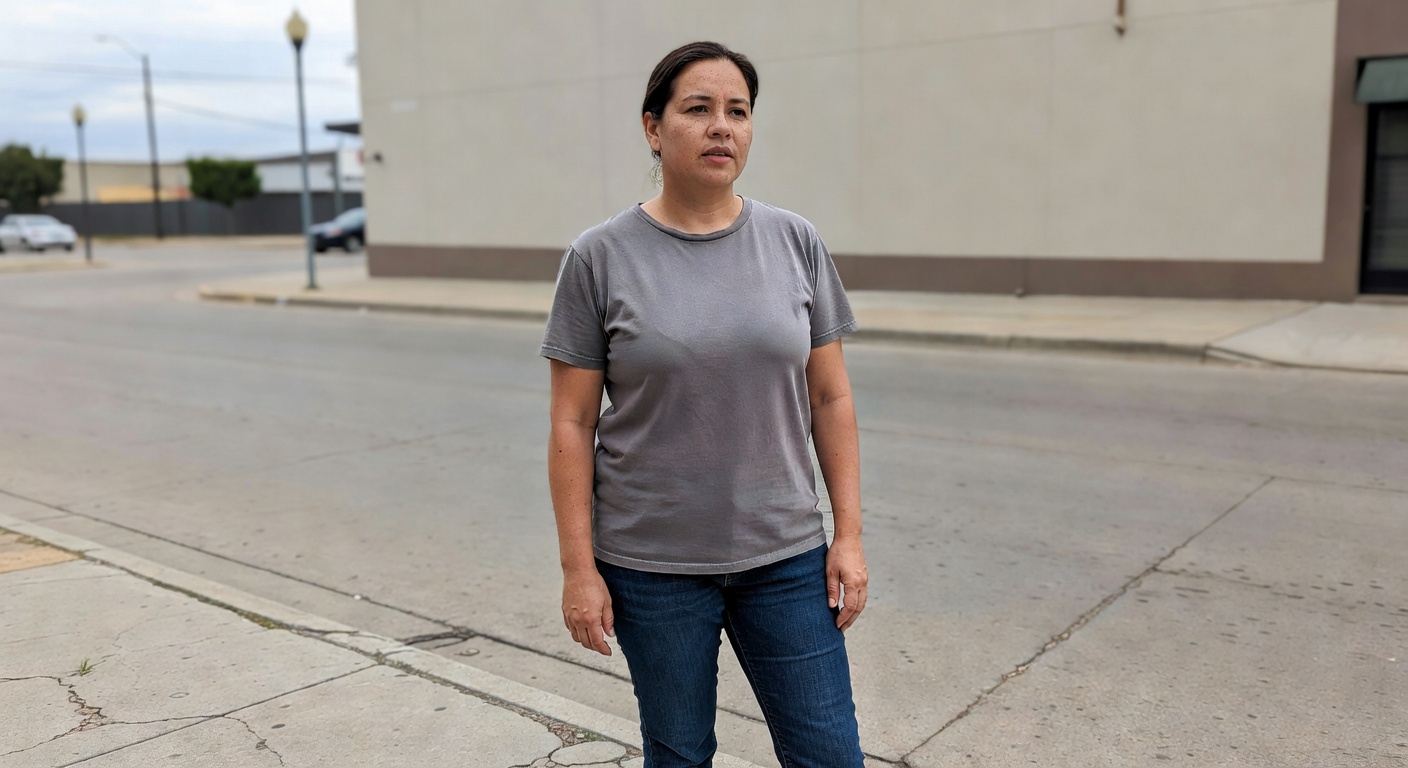
Photoreal studio headshot of the same person (preserve identity and facial features), clean neutral background, soft key light from upper left, subtle rim light on hair, natural skin texture (no plastic smoothing), realistic eye detail, 85mm lens look, shallow depth of field, premium editorial finish, 16:9.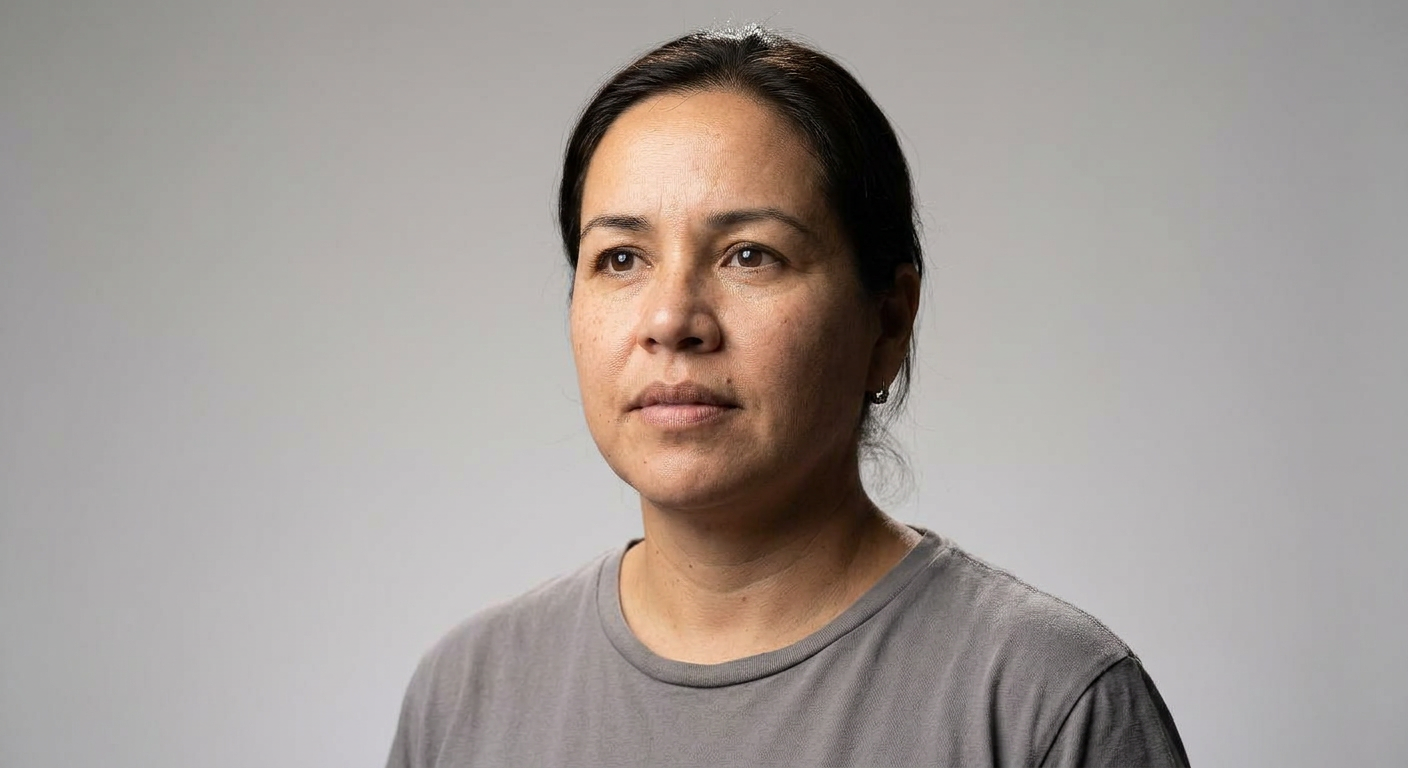
Best use cases for Phota
- Professional headshots and editorial portraits that still look like the real person.
- Fixing real memories: reduce blur, improve lighting, correct an awkward expression, or adjust framing.
- Group photo fixes: bring a missing person into the frame (when you provide a reference) while matching lighting and perspective.
- Creative portrait sessions: cinematic, studio, vintage film, or fashion looks without identity drift.
- Marketing and brand content with real people: consistent identity across multiple shots and variations.
Example: Fix a slightly awkward expression (natural, not “AI-perfect”)
A great memory fix is subtle—keep everything recognizable and adjust only what you ask for.
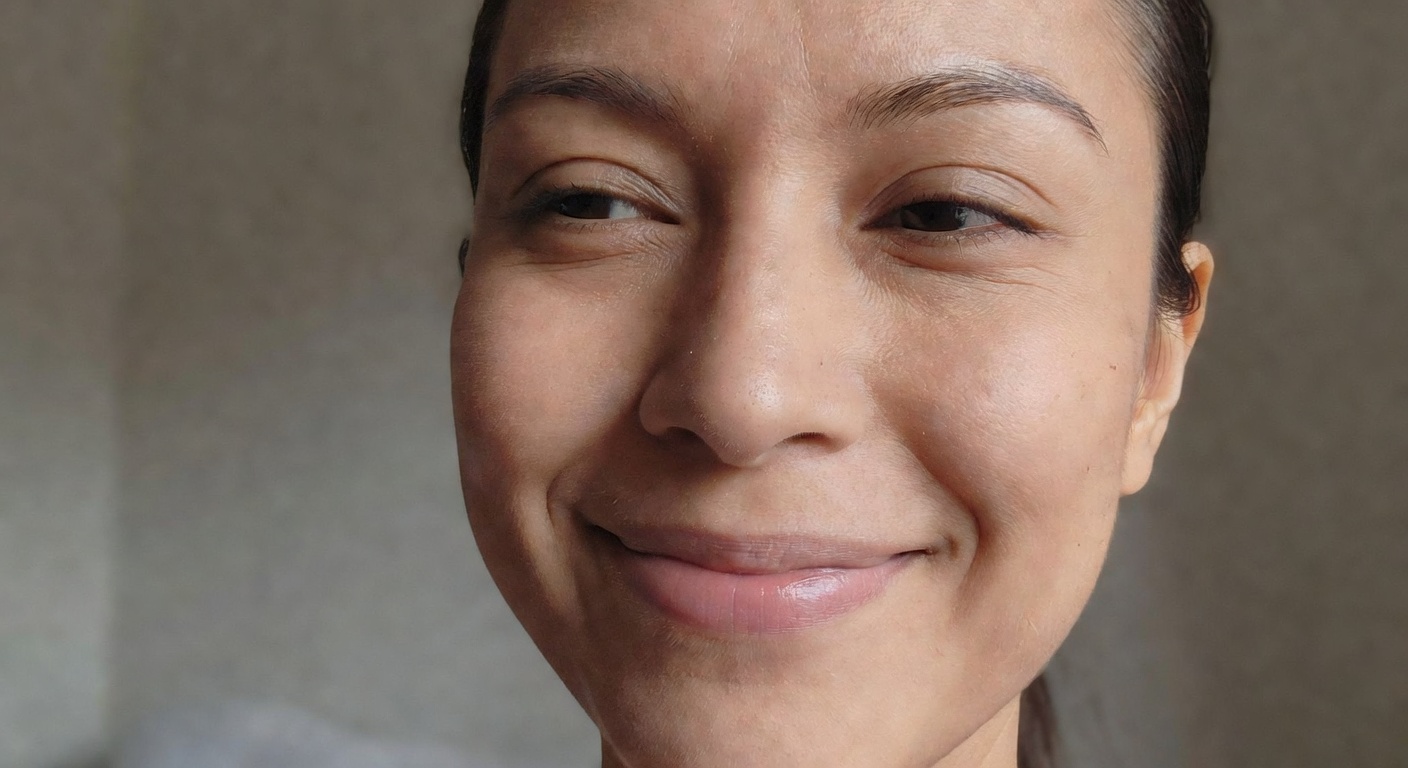
Keep the same person and identity exactly. Adjust only the facial expression: soften into a natural relaxed smile, keep eyes and face shape consistent, keep the same lighting and background, preserve the original camera angle and crop. Photoreal, realistic skin and teeth, no exaggerated makeover, 16:9.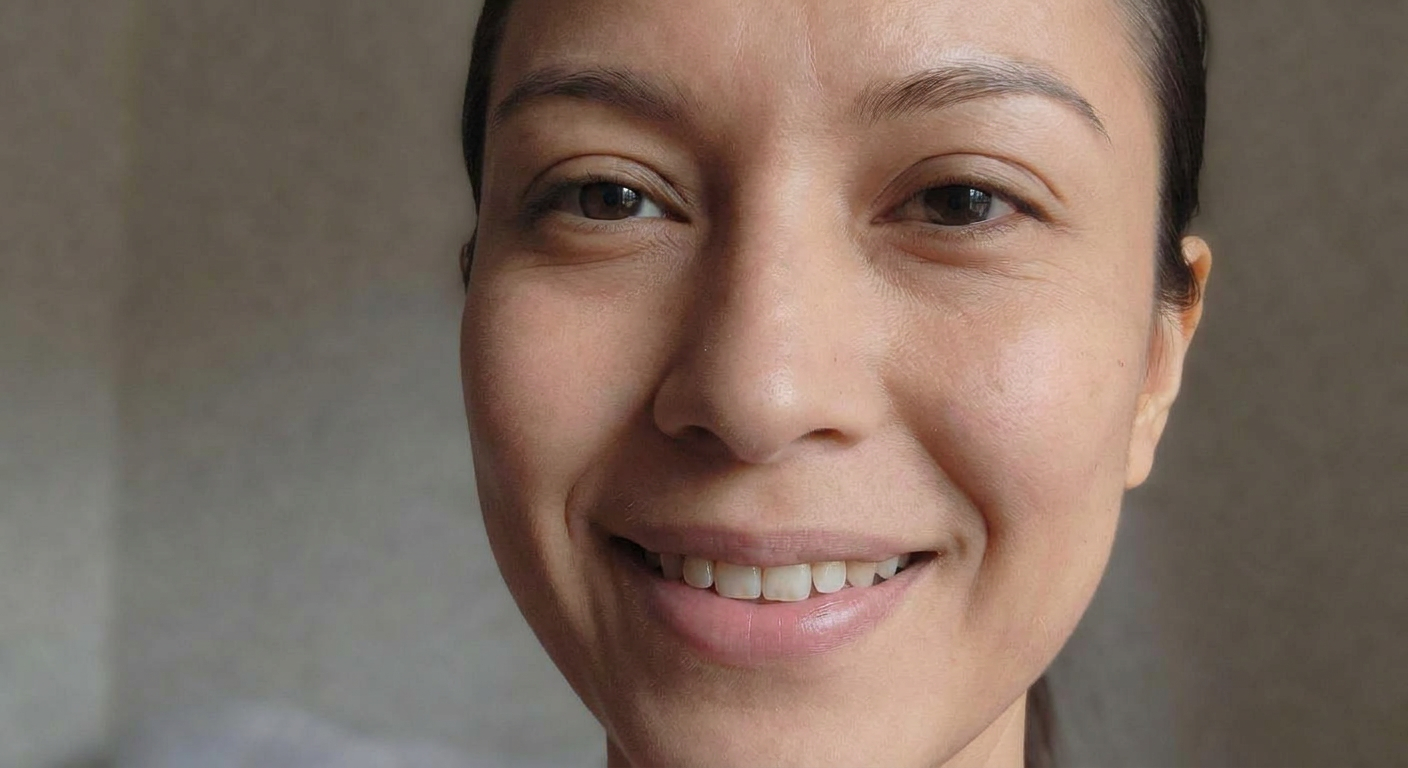
How to prompt Phota for the best identity fidelity
Phota performs best when your prompts describe changes like a photo editor: what must stay the same, what should change, and what “photographic look” you want. Think in terms of camera, lighting, and composition—not abstract style words only.
- Lock the identity: “Keep the same person, facial features, and hairstyle unchanged.”
- Preserve composition unless you explicitly want reframing: “Keep camera angle and crop the same.”
- Describe lighting direction: “soft window light from the left,” “studio key light + rim light,” “overcast daylight.”
- Ask for subtle, realistic improvements first: then iterate (one change per pass) instead of stacking 12 changes at once.
Where Phota fits among today’s top image models
Many high-end image models can produce stunning realism, but Phota’s positioning is different: personalization and identity fidelity for real photography. That matters for headshots, weddings, events, and memory edits where the subject must remain authentic. For background on the photography-focused direction, see PhotaLabs’ site and blog: PhotaLabs and PhotaLabs Blog.
Turn your photo album into a portrait engine
Use Phota on GenAIntel to generate and edit portraits that stay true to the person—ideal for headshots, memories, and content shoots.
FAQ
What is Phota used for?
Phota is designed for personalized photo generation and editing—especially portraits and memory edits where identity fidelity matters more than generic aesthetics.
How does Phota work (in simple terms)?
Phota is a system of multiple models, each optimized for a part of the photo generation and editing pipeline. A specialized identity layer is the core of the system—built to preserve real people and pets consistently across creations and edits.
Is Phota a single foundation model trained end-to-end from scratch?
No. PhotaLabs describes Phota as a multi-model system rather than a single end-to-end foundation model. The key differentiation is the identity model layered on top of base image generation.
Where do the “base images” come from?
For base image creation, Phota uses leading foundation models (both open and closed source - including Nano Banana). On top of that, PhotaLabs applies its own identity model—trained on in-house data and user-uploaded photos—to preserve identity consistently.
What kind of prompts work best?
Prompts that lock what must stay the same (identity, face, pose, framing) and describe edits like a photo workflow (lighting, lens feel, composition) tend to produce the most reliable identity-preserving results.
Can Phota fix real photos (blur, lighting, awkward expression)?
That’s one of the main intended use cases: improving or reimagining real moments while keeping what made them meaningful.
Who built Phota?
PhotaLabs says Phota was built by a team that includes former Adobe researchers with years of experience working on image models and photography workflows.
Where can I learn more about PhotaLabs?
Start with the official site PhotaLabs and PhotaLabs writing on identity preservation and photography workflows: PhotaLabs Blog. For a media overview, see the Forbes profile: Forbes.